
Big Sale — Chinese New Year
Big Sale — Chinese New Year Edition To celebrate the Chinese New Year period, we are launching a scheduled Big
Interface Overview — Dynasty of Loki
This guide explains the main interface elements of Dynasty of Loki.
Each numbered item below corresponds directly to the same number shown in the image, allowing quick and easy identification of every feature.
Use the image as a visual reference while reading the descriptions.

1. System Menu Bar
Contains the main game buttons and options, providing access to general functions and system windows.
2. Autoshop (Exclusive)
Exclusive system that allows players to create a shop without freezing the character, keeping the account free to perform in-game activities while auto-selling remains active.
While the shop is open, the player receives Soul of Loki, which can be exchanged for rewards.
https://wyddol.com/soul-of-loki-the-reward-of-the-cunning/
3. Water Scroll Usage (Exclusive)
Water Scrolls have a daily usage limit, which can be tracked through the in-game menu.
By equipping the Grace of Eternal Waters jewel, the automatic scroll usage option can be enabled.
https://wyddol.com/exclusive-water-scroll-automatic/
4. DoL Menu (Exclusive)
Exclusive server menu that centralizes important game systems.
It is divided into 3 tabs:
• Ranking
https://wyddol.com/exclusive-ranking/
• Droplist
https://wyddol.com/exclusive-droplist/
• Loki Store
https://wyddol.com/loki-store/
5. Group Configuration / Party System (Exclusive)
Exclusive group system that allows players to create, join, and manage parties easily, including password setup, automatic invite joining, and leaving the party at any time.
https://wyddol.com/group-configuration/
6. HP Bar
Displays current and maximum HP.
Located above the character and can be toggled together with character names using the N key.
7. MP Bar
Displays current and maximum MP.
Like the HP bar, it appears above the character and can be toggled using the N key.
8. Mount HP Bar
Represented by the yellow bar, showing the mount’s HP.
Located just below the MP bar.
9. Mini Map
Allows you to view your location and the position of party members.
Accessible via the M key.
10. HP and Mount HP Indicators
Graphical representation of the character’s and mount’s HP, allowing monitoring without relying on the main bar in the upper-left corner of the screen.
11. Chat Window
Used for player communication.
Press + to increase the window size and ENTER to activate the text input field.
12. HP Potion Quantity / Macro (CC)
Displays the number of available potions.
The Macro menu allows automatic HP/MP potion usage based on percentage and enables automatic combat mode.
13. Experience Bar
Shows accumulated experience and the amount required to reach the next level.
14. Skill Bar
Allows configuration of up to 10 skills (keys 1~10 or F1~F10).
Skills that operate in automatic mode are identified by an orange bar above the icon and can be controlled using the Y key.
A skill can be removed by selecting it and pressing Del.
Best Regards,
Dynasty of Loki.
Big Sale — Chinese New Year Edition To celebrate the Chinese New Year period, we are launching a scheduled Big
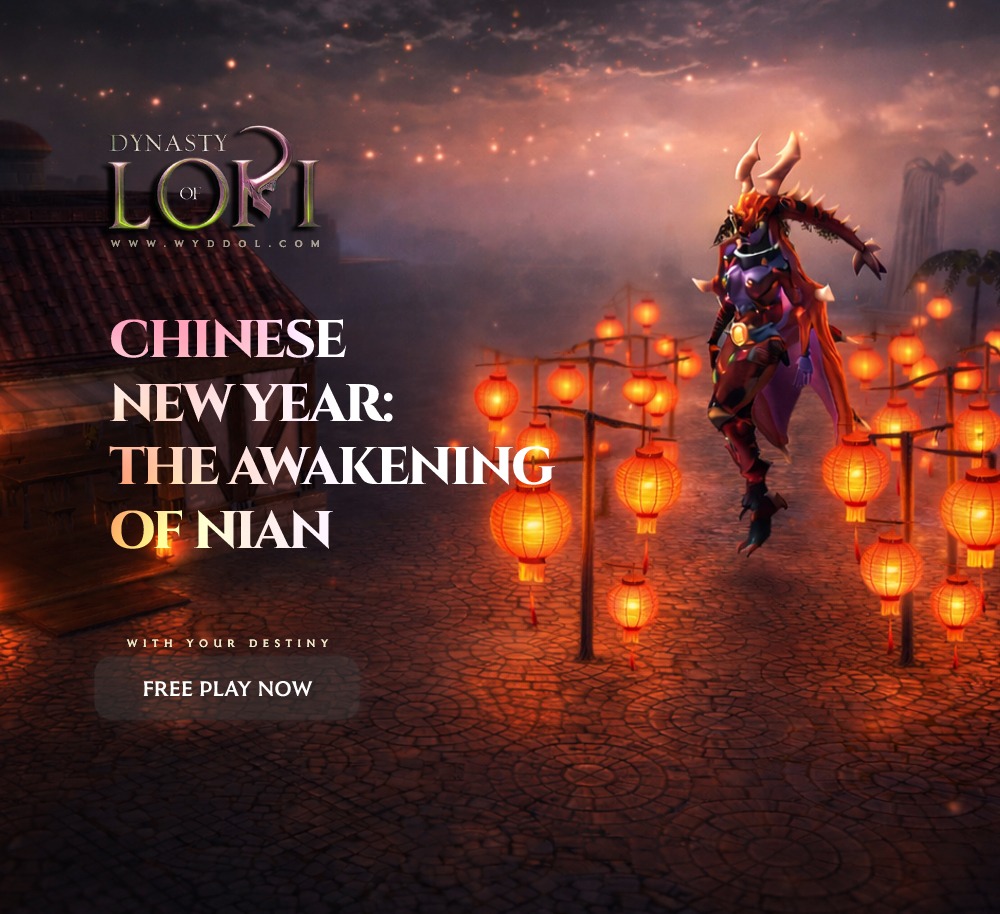
Chinese New Year: The Awakening of Nian For the first time, Dynasty of Loki celebrates the Chinese New Year —